Content management system (CMS) compatibility with LinkAutocorrect
WordPress compatibility
To enable WordPress compatibility, set cms_compatibility_mode to wp_only or wp. Use wp_only if you don't have other files or applications on your webserver where you want the link correction feature to be active.
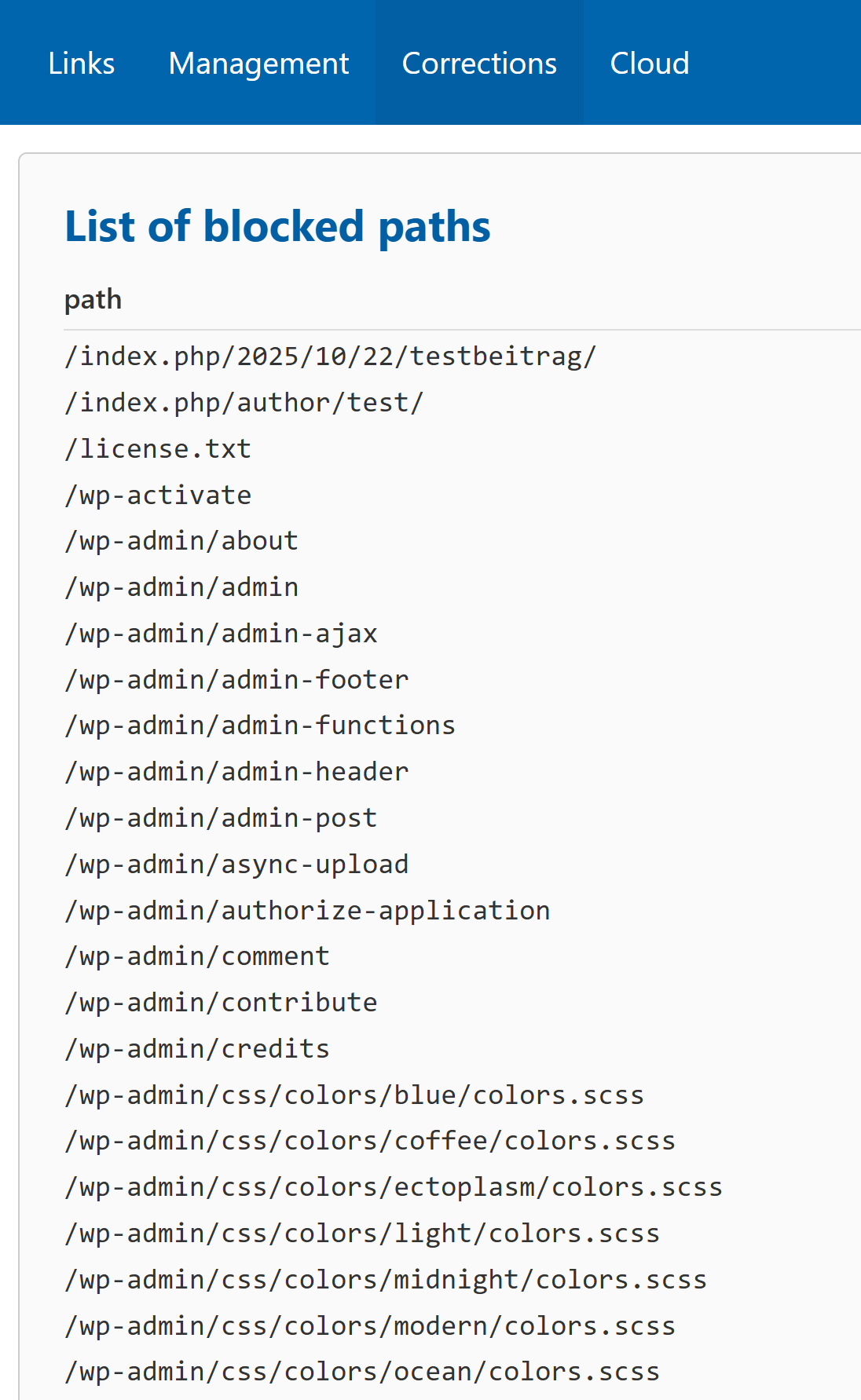
If you do this after the inital setup, manually add wp to the prot_blockedpaths_installed_software list. During the inital setup, this step is done automatically. This ensures that internal WordPress files like wp-settings.php are excluded from the link correction feature.
LinkAutocorrect offers multiple ways to read valid paths from WordPress:
- Reading from the WordPress SQL database directly (Recommended, default)
- Reading local sitemap files
- Getting sitemaps via HTTP
There is currently no caching behavior for the paths that have been found.
If you want to use another method of getting valid paths from WordPress, you need to modify the 404handler.php file.
Locate the following code snippet in section 8:
	if (in_array($cmsCompat, ['wp_only','wp'])) {
		$fileswp = gather_files_wordpress($baseDir, $ignoredPaths, $ignoredFiles, $folderMode, $folders, $stripExt, $rejectExt);
		if ($cmsCompat === 'wp_only') {
			$files = $fileswp;
		}
	}
The gather_files_wordpress() function support two additional parameters:
| Parameter | Description |
|---|---|
$scraping |
Scraping strategy to use when gathering WordPress paths.
Accepts web, web-hostcheck, file, file-hostcheck,
web+file, web+file-hostcheck, or disabled (default).
If the hostcheck option is used, paths found in scraped sitemaps are only included if they match the Site Address configured in WordPress. |
$wpInfoArray |
Optional associative array that lets the function operate without wp-config.php,
potentially improving performance. Valid keys include:
|
Example of an edited function call with optional parameters:
//Adjust the function call below for your desired behavior

$fileswp = gather_files_wordpress($baseDir, $ignoredPaths, $ignoredFiles, $folderMode, $folders, $stripExt, $rejectExt, 'web', ['config_location' => '/var/www/html/site/wp-config.php', 'siteurl' => 'https://example.com']);
Other content management systems (CMS)
LinkAutocorrect is unable to get valid paths from other CMS. Instead it will try to build a list of valid paths by scanning files in your public webserver directory. Is it important that you exclude the internal files of CMS from the link correction engine, if they are in your public webserver directory. LinkAutocorrect offers pre-made path blocklists for this case. These pre-made path blocklists are currently available for the following CMS:
- WordPress (wp)
- TYPO3
- MyBB
Support for more CMS is planned to be added later.
Using multiple CMS
If you have multiple different CMS on your webserver (e.g. WordPress and TYPO3), you can use LinkAutocorrect but it will only be able to get valid paths from WordPress and by scanning for files.
If you have multiple instances of WordPress on your server, you can use LinkAutocorrect but it will only be able to get valid paths from one of the WordPress instances and by scanning for files.