Hardening your installation
Increase security
LinkAutocorrect is designed with security in mind, but you can take additional steps to further reduce risks.
- After installation, move the
linkautocorrect/database.phpfile to a directory outside your publicly accessible HTML. Afterwards, update the file path reference instorage.phpto point to the new location ofdatabase.php. - If you use a version control system like Git, add
database.phpandlogin.phpto your .gitignore file. These files contain sensitive configuration data.
Admin panel lockdown
If you suspect unauthorized access to the LinkAutocorrect admin panel, you can disable access to the admin panel completely using the installation file check mechanism:
- Open the
login.phpfile inside thelinkautocorrectdirectory - By default, this lockdown feature is enabled via constants within the
login.phpfile. Ensure the constants are set correctly.
const CHECK_FOR_INSTALLATION_FILE = true;
const INSTALLER_FILE_NAME = "install.php";
- Create an empty file called
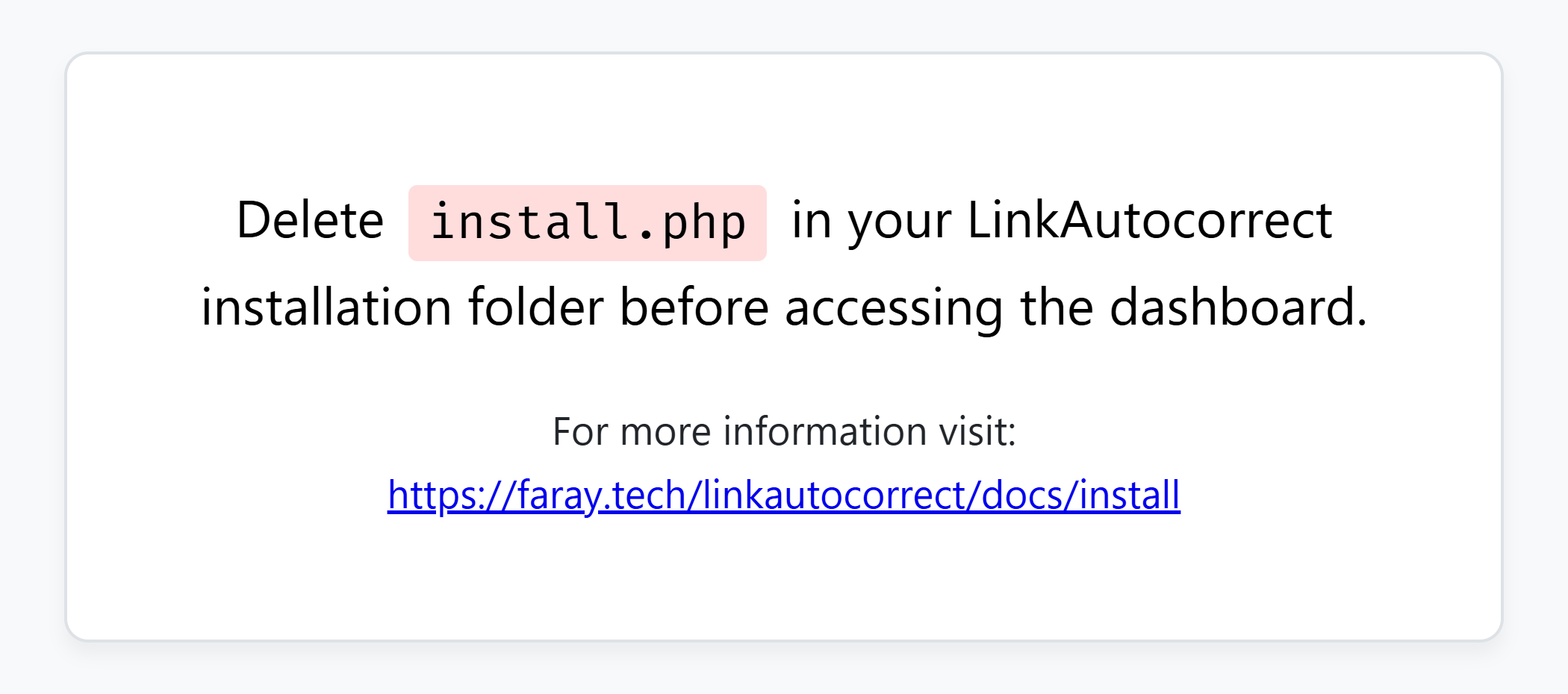
install.phpinside thelinkautocorrectdirectory.
When you try to access the dashboard now, you should see a page like this: