Free 2026 guide how to install LinkAutocorrect quick 100% legit virus‑free no bs
Getting started
- Ensure your webserver fulfills the system requirements.
- Create an SQL database called
lmcs. - Create an SQL database user called
lmcsand grant it access to thelmcsdatabase. - (optional) Log in to your faray.tech Account or create one.
- Download LinkAutocorrect from our website.
- Open the .zip file and drop the
linkautocorrectfolder into your public HTML directory. If you are running an Apache2 webserver with the default setup, this would likely be at/var/www/html. - You may need to grant read & write access to the
linkautocorrectfolder. - Visit
example.com/linkautocorrect/install.php. You need to replaceexample.comwith the IP address or domain of your website. - Follow the displayed installation procedure.
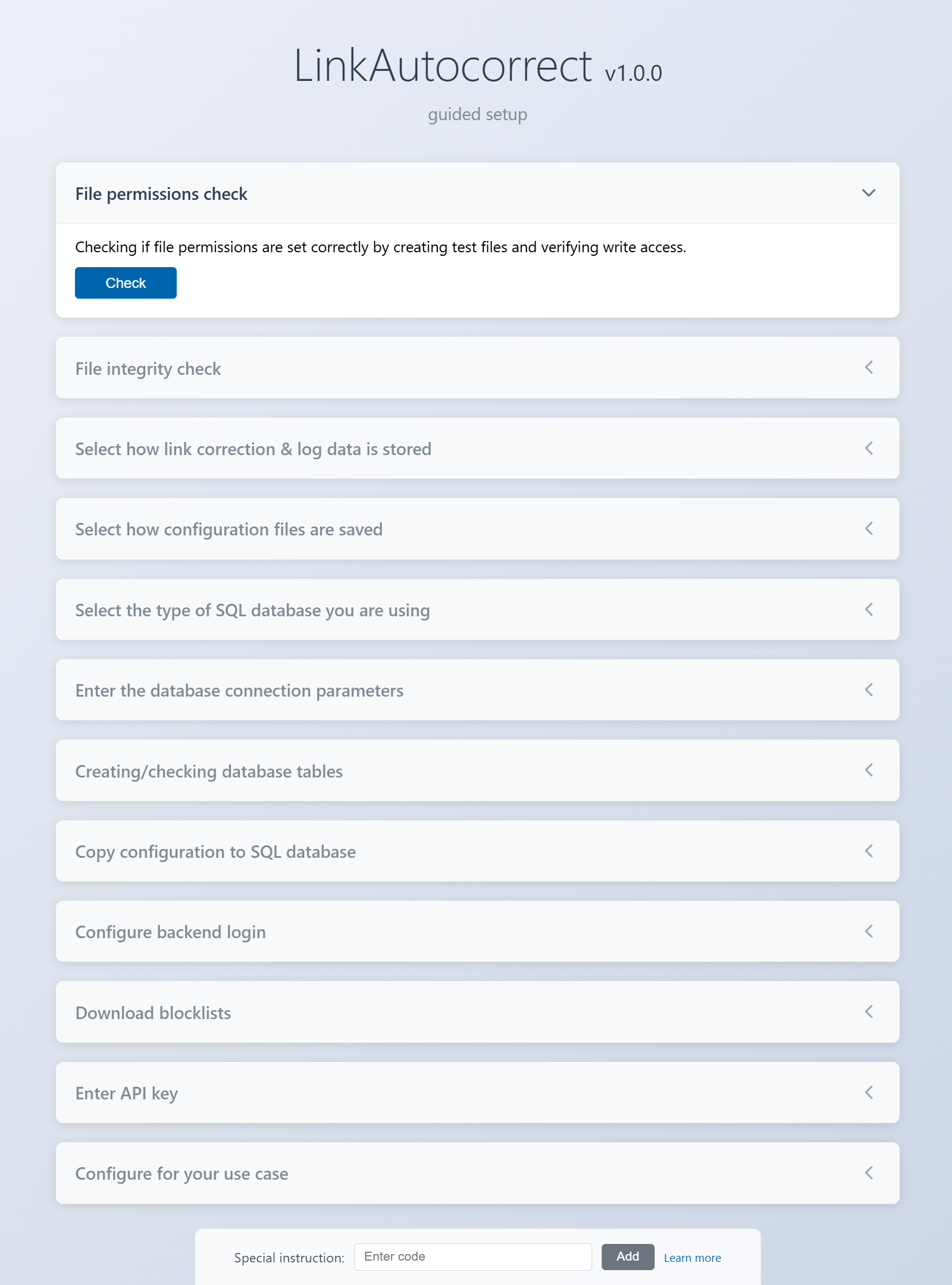
You can skip the "Enter API key" step if you don't need LLM-based link corrections. - Delete the install.php file in your LinkAutocorrect installation folder before trying to access the dashboard.
- Verify that you can login to the backend admin dashboard.
- Follow the webserver configuration steps.
- Try to restart your webserver. If your webserver does not start anymore, there is probably a small error in the configuration file you just modified. You can easily fix this yourself with an AI chatbot of your choice. Provide the AI with a description of your current issue then append the full configuration file before sending the message.
- Visit
example.com/whatever. You should see a page similar to the following: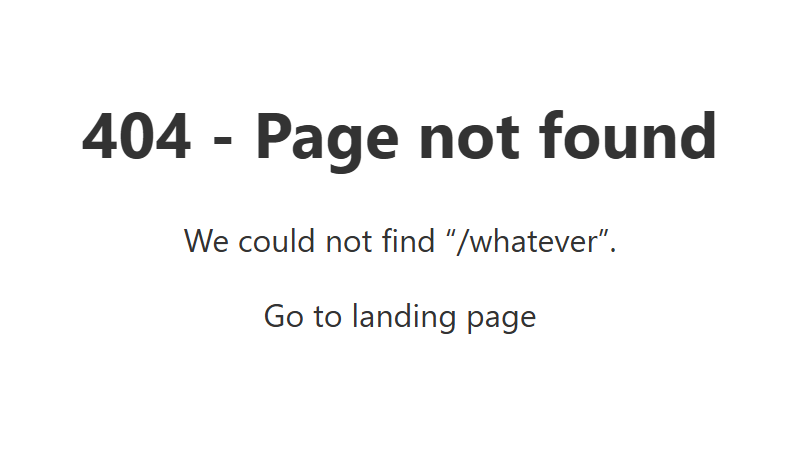
- Verify that your request shows up in the link correction log visible under
example.com/linkautocorrect/corrlog.php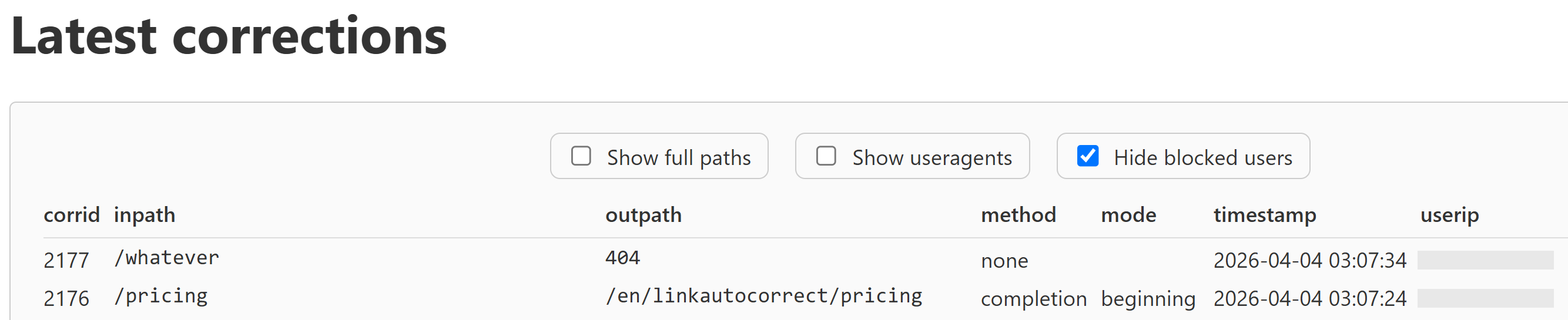
- (optional) Visit the guide on how to harden your installation.
Contact us if you need support. Let's build a future where the problem of dead links on the web is solved.