Special instructions
Explanation
You can enter special instructions during the installation procedure.
Here is an overview of the valid special instructions:
| Instruction | Effect | Available from |
|---|---|---|
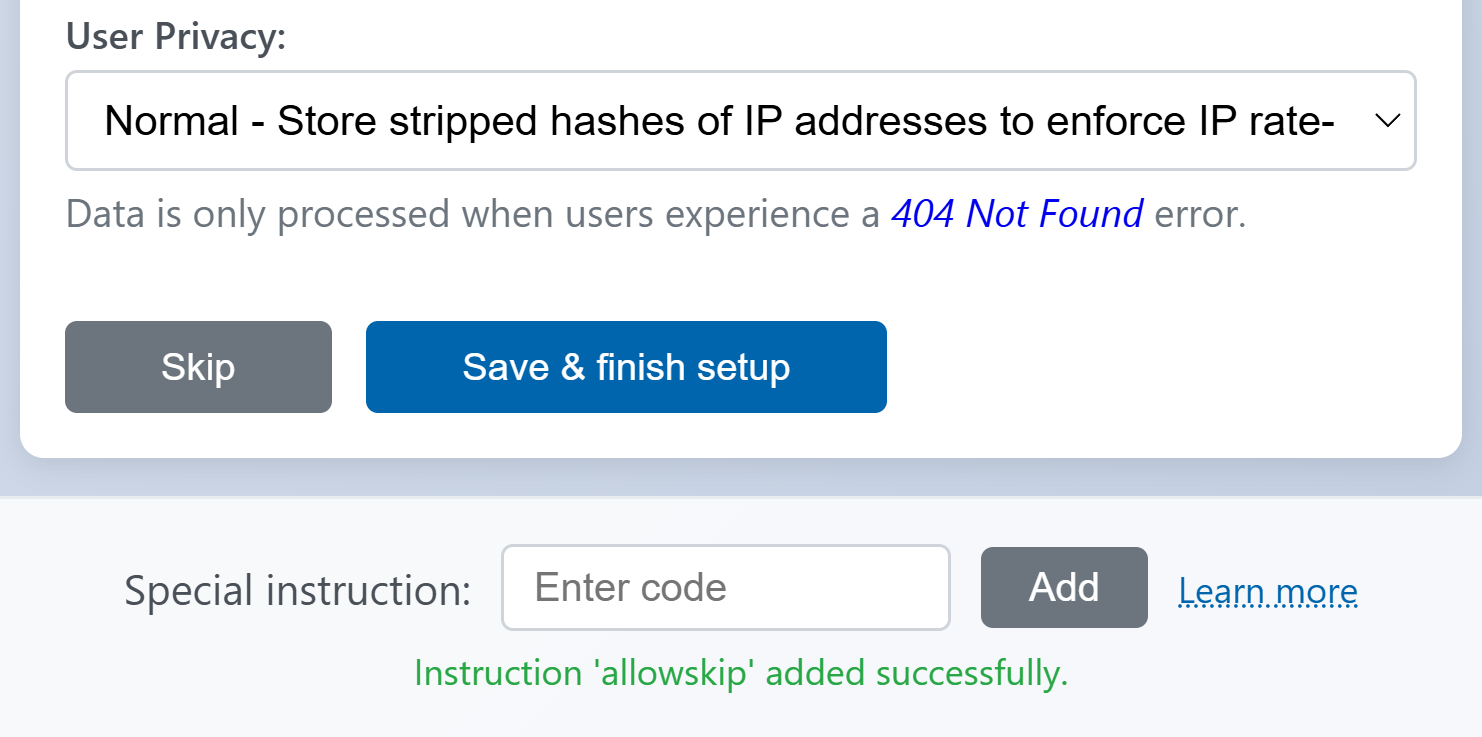
| allowskip | Adds a skip button next to every setup step. This is useful if you only need to redo a single setup step (e.g. changing the database connection credentials). | v1.0.0 |
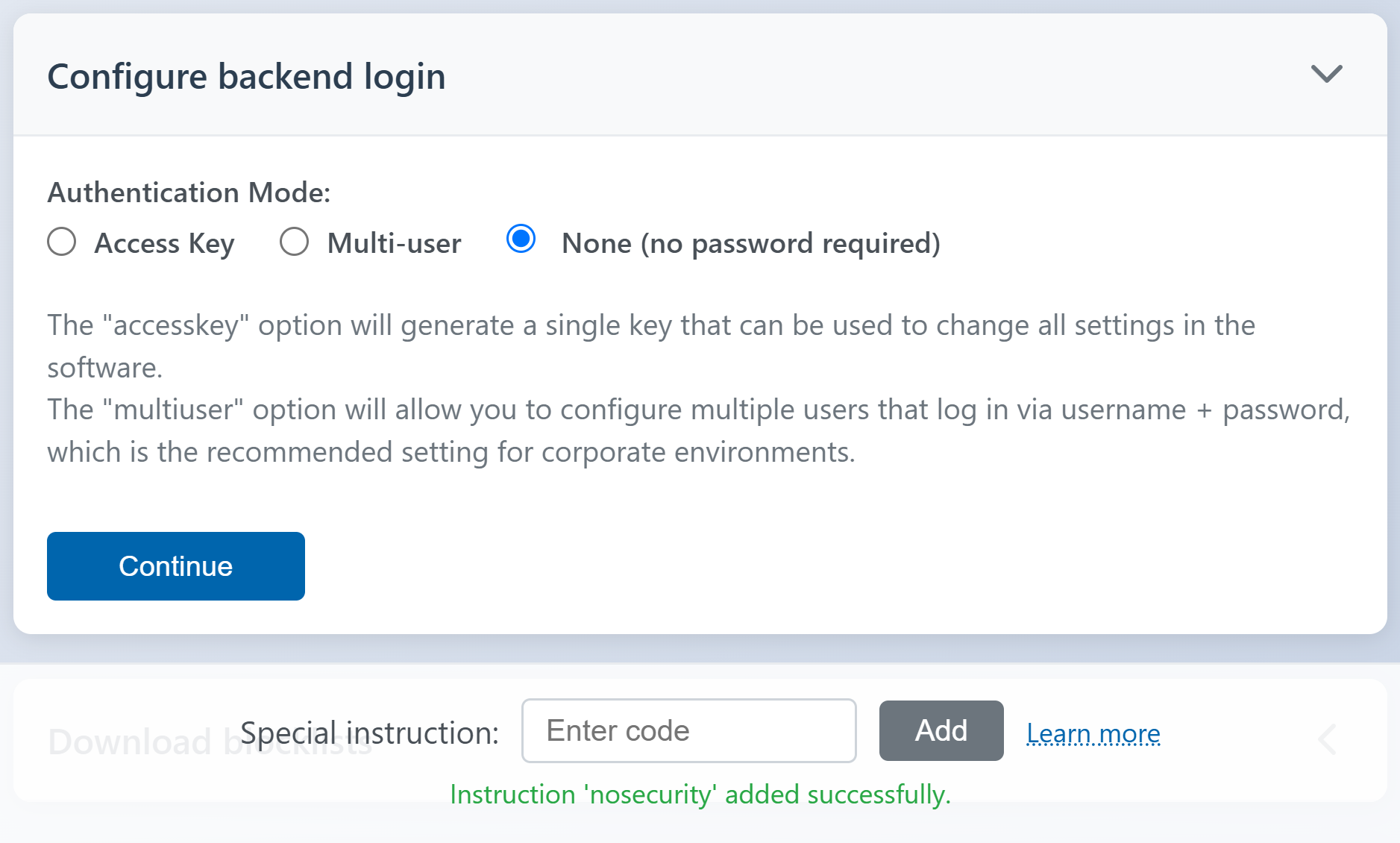
| nosecurity | Adds an additional option in the "Configure backend login" step. When that option is selected, everyone will be automatically authenticated and can login to the backend configuration without a password. Warning: Don't use this feature on a public web server. This feature is only meant for developer environments. |
v1.0.0 |
| earlyexit | Hides non-essential setup steps. This might be removed in a future version, use the allowskip option instead. |
v1.0.0 |
Additional info
Special instructions are saved in the browser session. If you reload the installation page during setup, you might have to enter your desired special instructions again.
For more information regarding special instructions (unrelated to this software) visit:
https://www.youtube.com/watch?v=mGBEzGFmgg8