Link correction methods
Overview
LinkAutocorrect offers multiple link correction methods. Depending on your license type, some correction methods might be disabled or are limited in functionality. The 404 handler attempts the link correction methods in a fixed order, where methods that require less computing power are attempted first.
The link correction methods are currently executed in the following order: cache, completion, similarity, llm. If you disable a link correction method, the 404 handler will skip it during execution.
| Method | Description |
|---|---|
| cache | This is not really a correction method by itself but used as an indicator that a redirect route read from the cache was used. You can also add your own redirect routes with a custom TTL in the cache entries overview.
With the default behavior, only LLM link corrections are cached. |
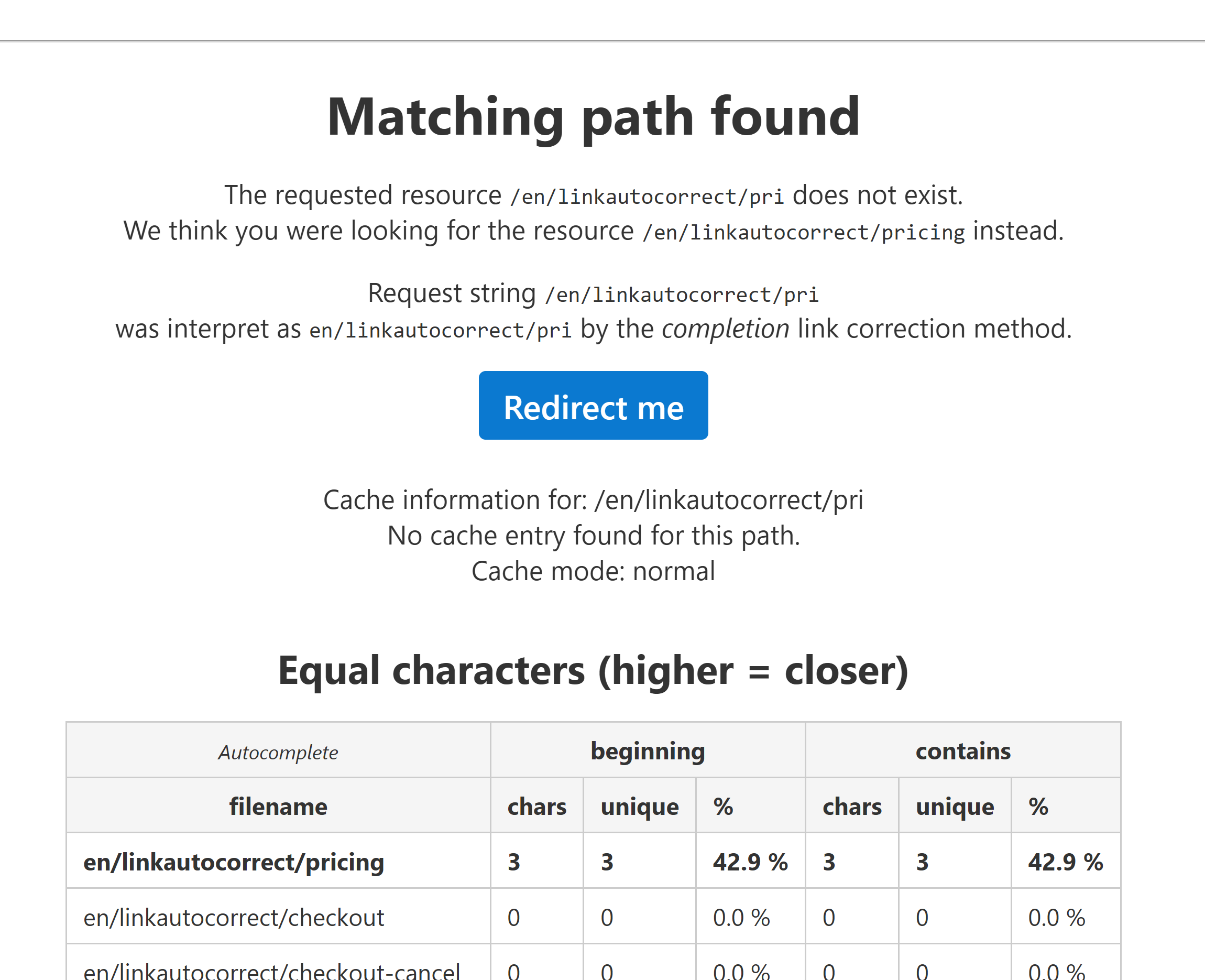
| completion | Tries to find a unique match for the entered input path. Works like tab-complete in a CLI.
e.g.: example.com/sy --> example.com/systems |
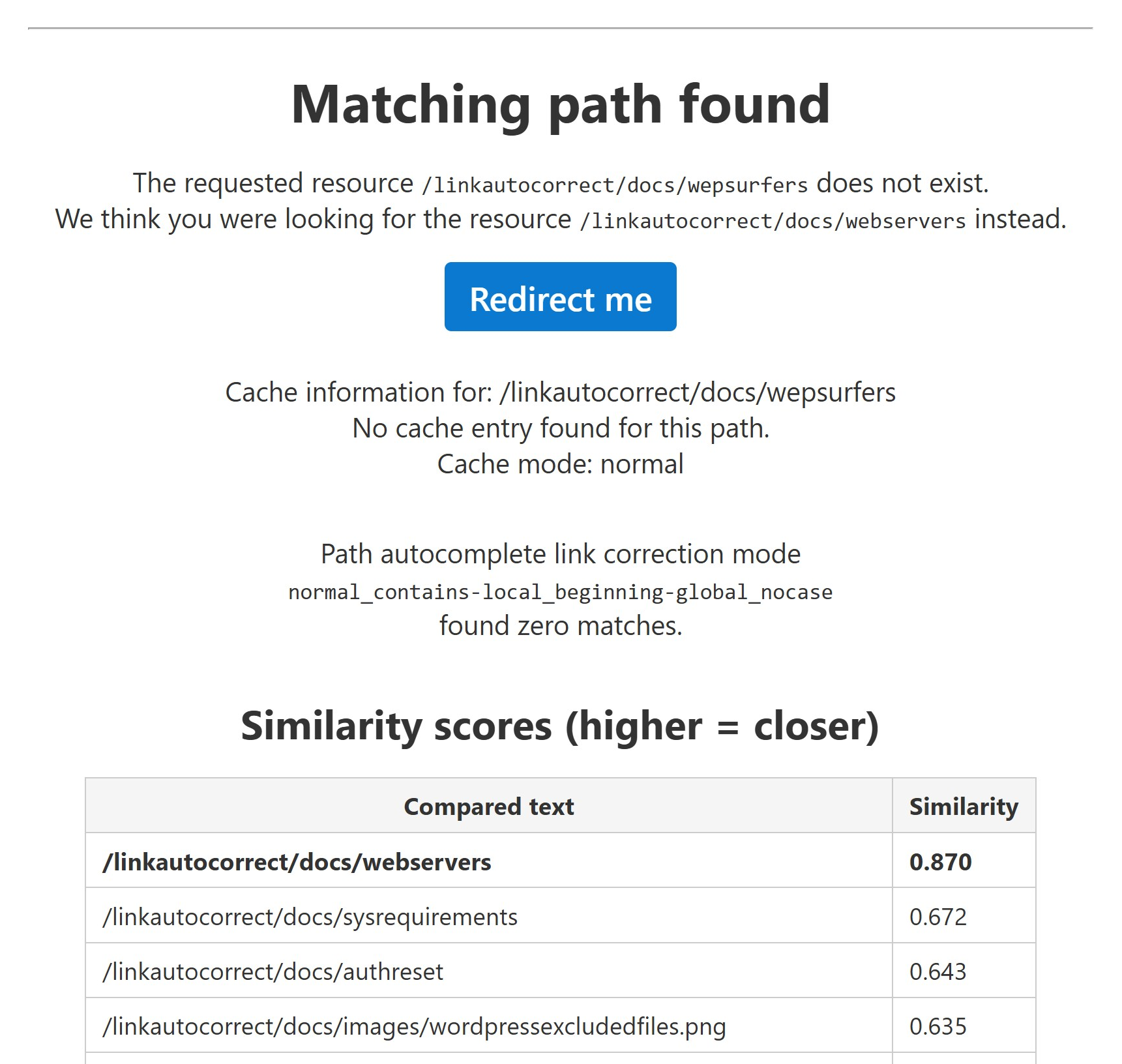
| similarity | Uses string comparison/edit distance algorithms to find matches for the input path.
e.g.: example.com/diverse --> example.com/diversity |
| llm | Uses an LLM for link correction. This is the most accurate link correction method. It is likely to work even when a user enters parts of the URL in a different language or uses syoynms.
e.g.: example.com/copy-machines --> example.com/printers
e.g.: example.com/terms-of-service --> example.com/tos
This feature uses API credits and requires an internet connection. |
The correction method none is also used as an indicator when link correction was skipped by the 404 handler.
This can happen for multiple reasons, including:
- The user was blocked (likely for security reasons)
- All correction methods have been disabled individually
- An internal error occured
Link correction can be skipped for one request by using the nocorr=1 parameter when visiting a URL.
Modes
Each link correction method has different modes and other configuration options. For example, you can force the LLM link correction to only use a specific provider from the subset of offered providers.
cache:
| cache_mode | value |
|---|---|
| normal | Links that were corrected with an LLM will be written to a temporary cache. This reduces your API costs and leads to faster redirects for users (Recommended). |
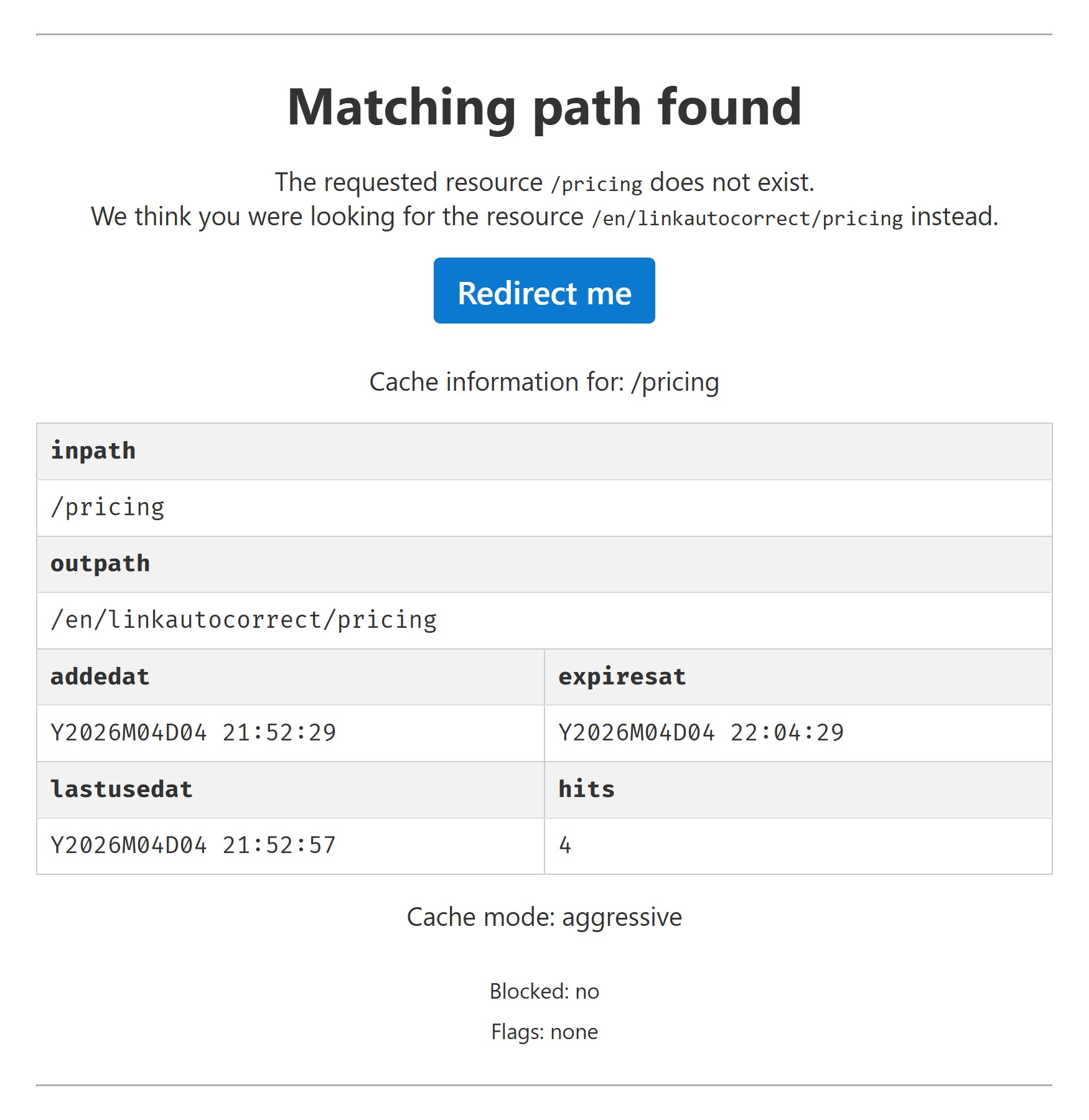
| aggressive | All corrected links will be written to a temporary cache. Using this option may reduce CPU load but will increase load on your database and storage drive. If you remove or rename the target resource of the cached redirect while it is active, the user might have to be redirected multiple times. Therefore this option is not activated by default. |
| disabled | Disables link correction caching. Existing cache entries won't be deleted but aren't used anymore. |
completion:
| complete_mode | value |
|---|---|
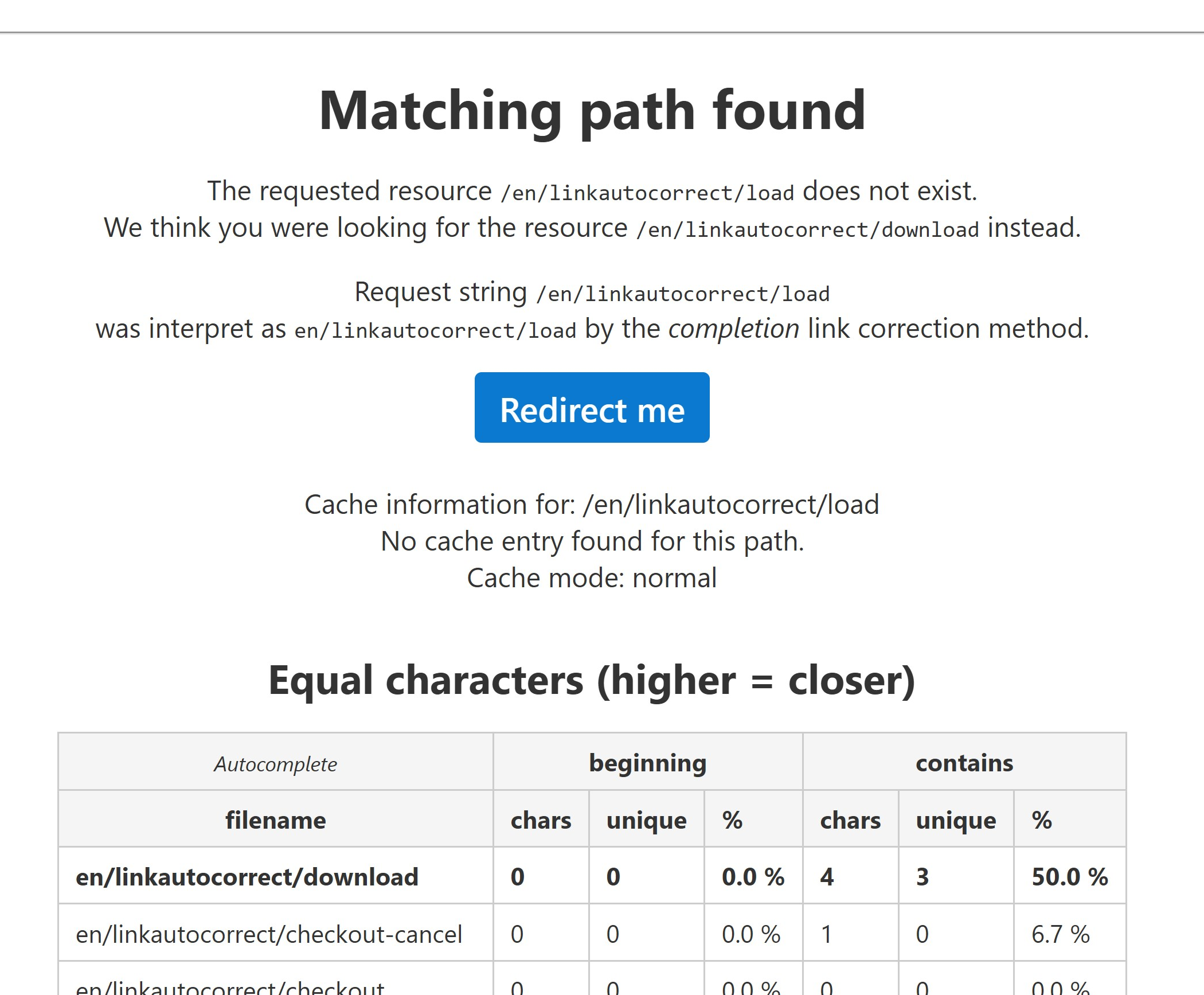
| normal | Autocomplete URLs if the entered page name is part of any file name and use prefix matching as fallback method (Recommended). |
| contains-only | Autocomplete URLs if the entered page name is part of any file name. |
| start-only | Only autocomplete URLs if the prefix matches. |
| disabled | Disables URL autocomplete, link correction depends on the other enabled methods. |
similarity:
| similarity_mode | value |
|---|---|
| matchcore | Our proprietary link correction algorithm is rivaling the accuracy of LLM link correction with much lower costs. Spanning over 800 lines of code, this is not just a typical string comparison algorithm.
Output is between 0.0-1.0. A higher value indicates a closer match. |
| jaro_winkler | Uses the Jaro-Winkler algorithm to measure string similarity between the input and the available pages.
Output is between 0.0-1.0. A higher value indicates a closer match. |
| cosine_similarity | Calculates the cosine similarity between vectorized links to determine how closely they match. Only recommended if you have lots of nested folders and long filenames.
Output is between 0.0-1.0. A higher value indicates a closer match. |
| damerau_levenshtein | Enhanced version of the Levenshtein algorithm. Calculates the Damerau-Levenshtein distance between the input and the available pages.
Output is an integer, 0 or higher. A lower value indicates a closer match. |
| levenshtein | Calculates the Levenshtein distance between the input and the available pages.
Output is an integer, 0 or higher. A lower value indicates a closer match. |
| disabled | Disables similarity-based link corrections, use the other enabled methods instead. |
llm:
| llm_mode | value |
|---|---|
| standard | Relatively quick and high accuracy. This setting is recommended for most websites. |
| fast | Very fast and high accuracy. Recommended if your website hosts information which users might need to access in a rush e.g. first aid websites. |
| enhanced | Very high accuracy. Recommended if your website has a low amount of users but those users are very important e.g. investor relations websites. |
| aggressive | Aggressively try to avoid sending the user to a 404 page, might result in unexpected redirects (Not recommended).
Example: The page "diversity" is present on your website. The user enters "gay" and is redirected to "diversity". Whilst the topics are related, this type of redirect might not be desired in a professional context. |
| disabled | Disables the LLM link correction method. Fall back to the other enabled methods. |
Note: You will find the same info about link correction modes in the LinkAutocorrect configuration panel.